

Present and future of Markdown in APEX
In the production version of APEX (20.2), you could benefit of the Markdown language being integrated into different parts of it. I won’t go into details how cool is Markdown, what it is and what are the various places you could use it. I will just mention that you’ve probably seen it in every GitHub repository. And this blog post is also fully written using Markdown. So to give a bit of a context, here are some links for those of you who don’t know what Markdown is:
https://www.markdownguide.org/getting-started/
https://blog.bit.ai/what-is-markdown/
The good news for all of you who like this markup landuage is that APEX version 21.1 will bring a lot more support for it. All the new features are listed below, together with a DEMO App, so you can see it in action.
Several ways you can utilise Markdown in APEX version 20.2
- Using the
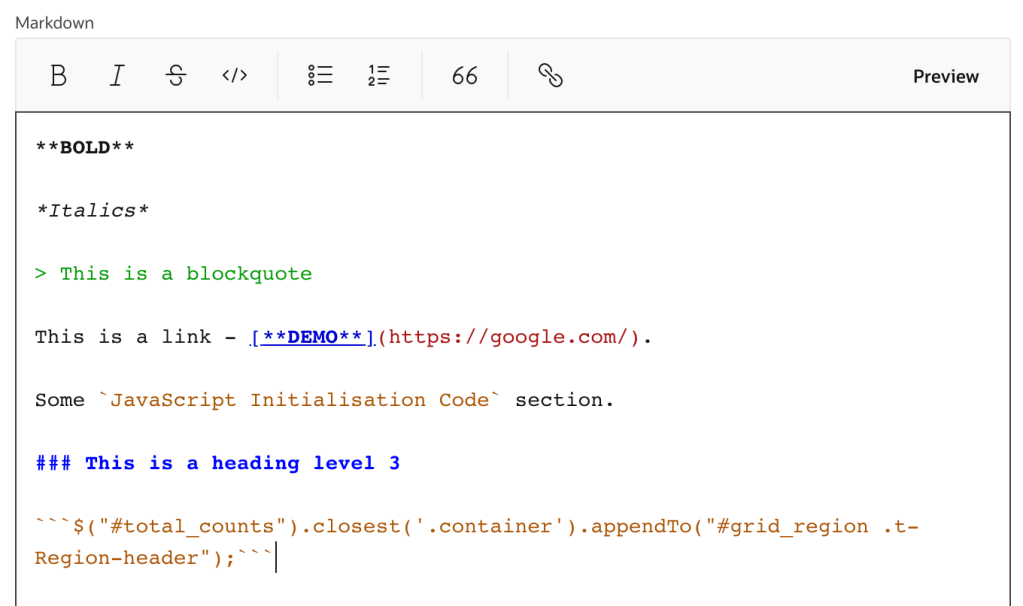
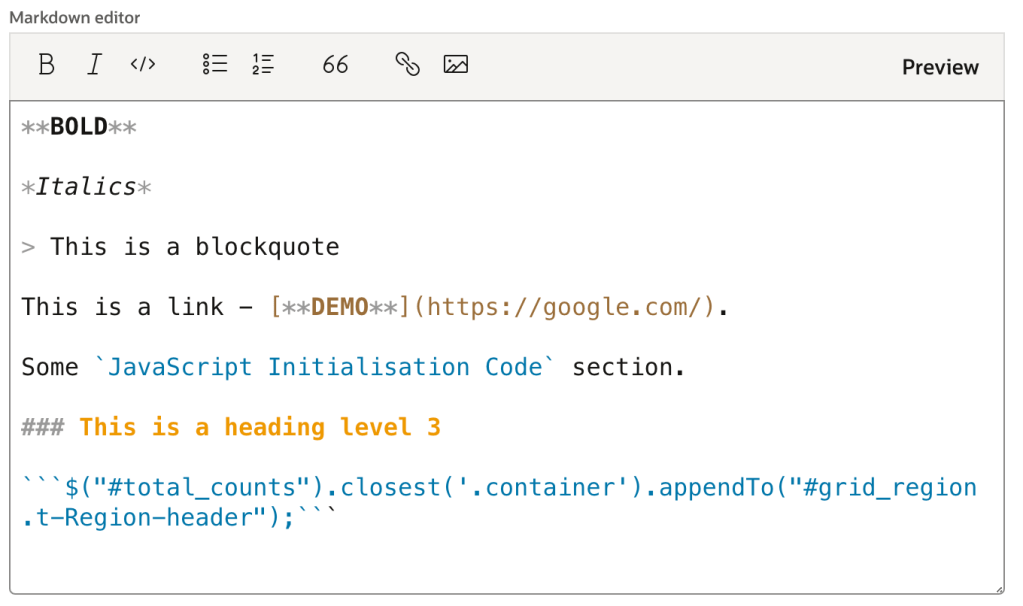
Itemof typeMarkdown Editor. It is basically an editor, which supports Markdown format and has the option to Preview (or render) the results of your code.


- If you have a
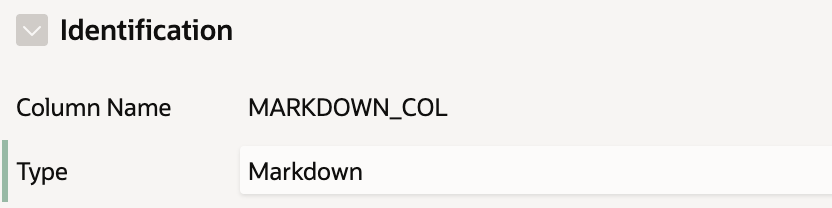
Classic Reportregion, you could use theMarkdownTypefor your column, containing Markdown formatted text. By doing this it will be rendered as HTML in your report.


- If you add a custom CSS class to the region you want to have Markdown rendered plus some more little steps. This idea was presented by Anton and Hayden in their "APEX Instant Tips", episode 17. Details on how to do it are following below.
What’s new in the latest version of APEX – 21.1
- New public PL/SQL API,
APEX_MARKDOWN, to convert Markdown into HTML. - Enhanced
Display Onlyitem type which supports Markdown. Added new ‘Format’ attribute and removed ‘Escape Special Characters’ flag. - Renamed ‘Markdown’
Classic ReportColumn Typeto‘Rich Text’. - New
‘Rich Text’Interactive Reportcolumn type in addition to the one, already available for the Classic Report. - Markdown support added to HTML format of
Data Export. - Changed default of Rich Text Editor, Rich Text to use Markdown as secure out-of-the-box default
For the full list of new features, visit the APEX 21.1 "New Features" page: https://apex.oracle.com/pls/apex/apex_pm/r/apex211/new-features.
Add Markdown support to all your regions
> Note: The below example adds Markdown support for a Display Only item. In APEX version 21.1 you just need to change the Format in Settings section of the Display Only item to Markdown.
> Prior to version 21.1 of APEX, the Display Only item didn’t support Markdown rendering. The below solution is still applicable to the Display Only item in version 20.2
- On Page 0 create a new
Dynamic Action
On Page LoadTrueAction –Execute JavaScript Code:
jQuery.each($('.mymarkdown'), function (i,mymd) {
	mymd.innerHTML = marked(mymd.innerHTML)
});
-
On Page 0 create a new region of type
Static Content. Change itsTemplatetoBlank with Attributes. -
Then add a new item of type
Markdown Editor, namedPO_MARKDOWN, into the region you created in the previous step. Addhiddenin theLayout > Column Attributessection of the item. -
On the item you want to display Markdown formatted text (a
Display onlyfor example), add themymarkdownclass inAdvanced > CSS Classes

- While still on the item, disable the option
Show Line BreaksinSettingssection. This is important, because this option generates<br>tags, which will break your Markdown rendered<code>sections.
Markdown in APEX 20.2 vs 21.1



 APEX App Lab